

OTA Updates for Connected Devices: A Comprehensive Guide
Przemysław Łagód, Head of Hardware at Intent, discusses the importance of OTA updates, key considerations for their setup, and best practices to follow.

Connected devices have become part of people’s everyday lives. From smartwatches to medical sensors and fitness trackers, we now have all sorts of tech that help with mundane tasks or simply improve our well-being. Because these devices are integral to daily routines, performing updates becomes tricky – getting them wrong can lead to a massive drop in ROI, and neglecting the update strategy from day one is a recipe for disaster.
This is why in this article, we’ll explore how to implement over-the-air (OTA) updates for connected devices without impeding UX and performance. We’ll go through:
The definition and importance of OTA updates;
Things to keep in mind when setting them up;
OTA updates best practices.
Let’s get started!
What are OTA updates?
Over-the-air (OTA) updates make it possible to update a device remotely. They exist so that companies don’t need to recall devices every time a new software version is released, and so users can enjoy the latest versions without any hassle.
There are no strict rules for how often these updates should occur, or how much data they must include. Some devices might need weekly updates, while others can go months without improvements. What truly matters is making the update as convenient as possible for the user.
Why are OTA updates so important?
OTA updates can make or break your device, and that’s not an exaggeration.
If you don’t start the development of your device with OTA updates in mind, you’re left with no way to upgrade it unless you recall it from the customer.
As your product grows, it will inevitably need improvements. Without OTA, your users would miss crucial security updates, user experience enhancements, and – perhaps most importantly – bug fixes.
As a software development company, Intent knows the significance of OTA updates firsthand. We have worked with clients who saw a huge spike in return rates of their devices because updates weren’t coming through as they should. Users get frustrated when there is no way to update the device, so they return it.
Ultimately, this is what makes OTA updates so critical: they can mean the difference between a potentially buggy mess and a fully functional device that your customers can enjoy.
What to keep in mind when setting up OTA updates
As mentioned earlier, OTA updates are essential but can be tricky to perform. Let’s go through the most critical aspects of the process and how to make updates both secure and convenient for users.
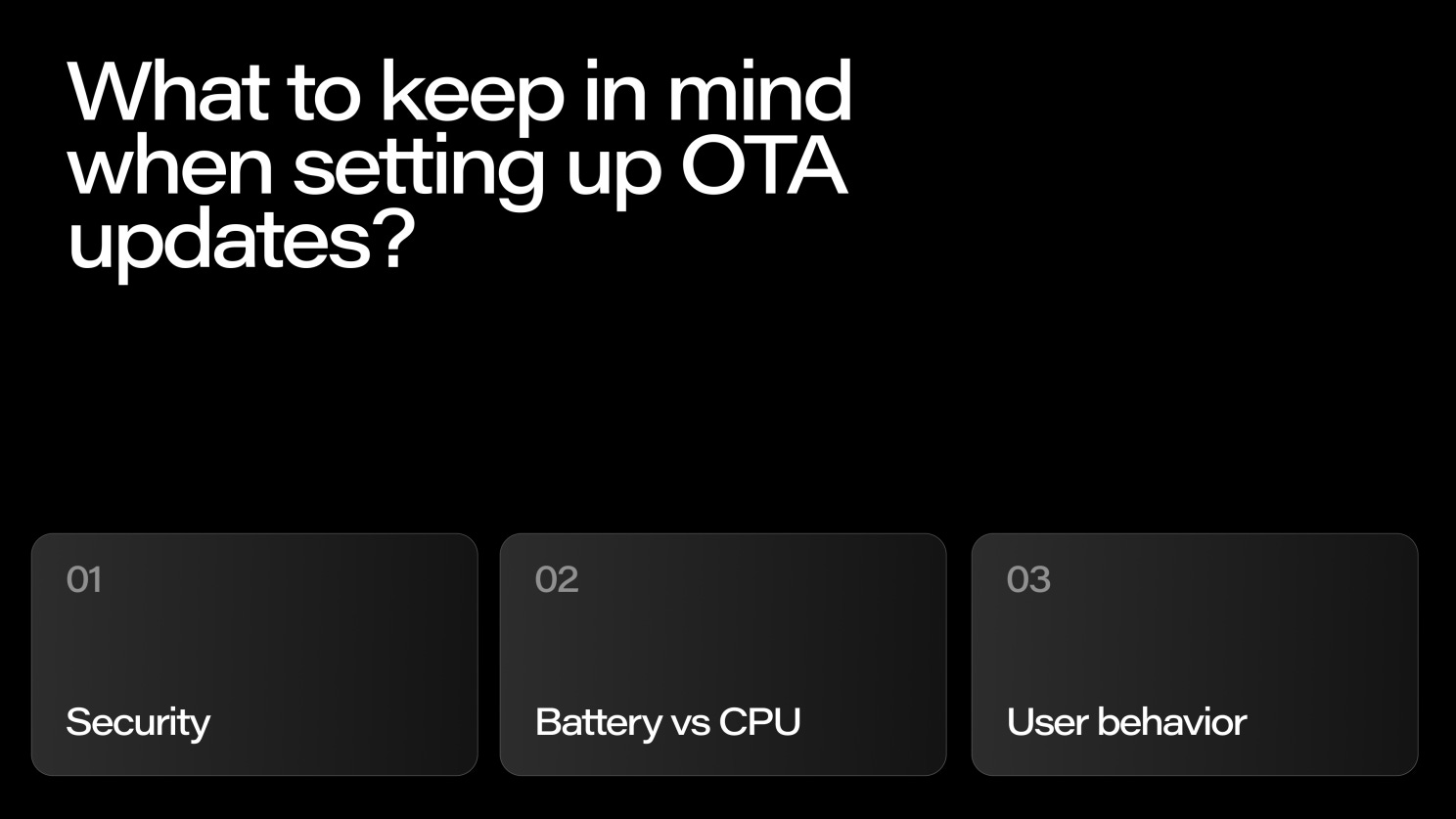
Security
Making your device safe is absolutely crucial, as the firmware can be a target for hacking attacks where your code or personal data might get stolen.
While many developers would rather create their own OTA update process, for security’s sake it’s better to use something standardized. The DFU (Direct Firmware Update) method is one of the best options in that regard. It’s popular among programmers, so many issues have already been solved by the developer community.
Of course, you can use custom solutions. However, standardized communication protocols and encryption methods are safer because they’ve already been vetted by the community (for example, the SSL protocol). Custom-made methods don’t offer that assurance and are more likely to contain security vulnerabilities.
How to ensure a DFU is secure?
A DFU update is made possible by a piece of code called a bootloader, which enables you to erase the previous firmware version and install the new version on the device’s memory. Ninety-nine percent of the time, the device runs its main code. However, during an update, the microcontroller jumps to the bootloader — a secure firmware that can’t be changed. For safety reasons, you should ensure the bootloader is thoroughly tested and kept as simple as possible.
One crucial thing to consider is where you keep your encryption keys. They should be left out of the bootloader. If someone were to break the keys, you wouldn’t be able to change them, and an attacker could use them to replace your code. Keep your encryption keys out of bootloaders!
Battery vs CPU
The challenge with OTA updates when it comes to connected devices, such as the Oura ring we developed here at Intent, is that we’re dealing with a very small battery inside the device, which is responsible for its every function.
We have a certain amount of power and a certain amount of CPU that we can use, which results in a sort of trade-off between CPU and battery.
If a part of the battery power is, for example, used to power the sensors, then the amount of CPU used needs to be lowered: the more sensing the device can do, the less processing it can do.
The computation for an OTA update should be as low as it can be, giving the user as much battery power as possible to do everything else on the device. If the updates and computation are using up all the battery power, the device won’t run for very long, and there will be limitations to how many tasks the device can perform at once.
Beware of overly complicated methods to update the device. Also, pay attention to encryption methods when you have a limited power source. Some methods (mainly asymmetric) drain more power than others.
User behavior
Being aware of how users interact with the device is more important than you might think. Two major issues to consider are managing unfinished updates and handling firmware downgrades.
Unfinished updates
Consider a likely scenario: you start pushing an update, but the owner turns off their mobile phone mid-way. How should the process proceed?
You need to decide whether the update should restart from scratch when the connection is back, or continue from where it left off. The second option is obviously preferable. Splitting the firmware into chunks so that the update can resume from a specific point is an important part of good UX.
Downgrading firmware
When you release a new firmware version, keep in mind that some users might want to revert to the previous one. It does happen – customers may prefer the older version if, for example, a favorite feature is missing in the new update.
Downgrading can be dangerous if not handled properly. You need to decide up front whether to allow users to perform a downgrade, since rolling back might change data structures and cause damage.
If your code relies on standardized data storage (like a database or XML), a downgrade shouldn’t cause issues – the system will simply retrieve the appropriate settings for the previous version.
Remember: you need to decide whether you allow the user to downgrade at the very beginning of developing a firmware update!
OTA updates best practices
Below are some best practices to consider for implementing OTA updates effectively:
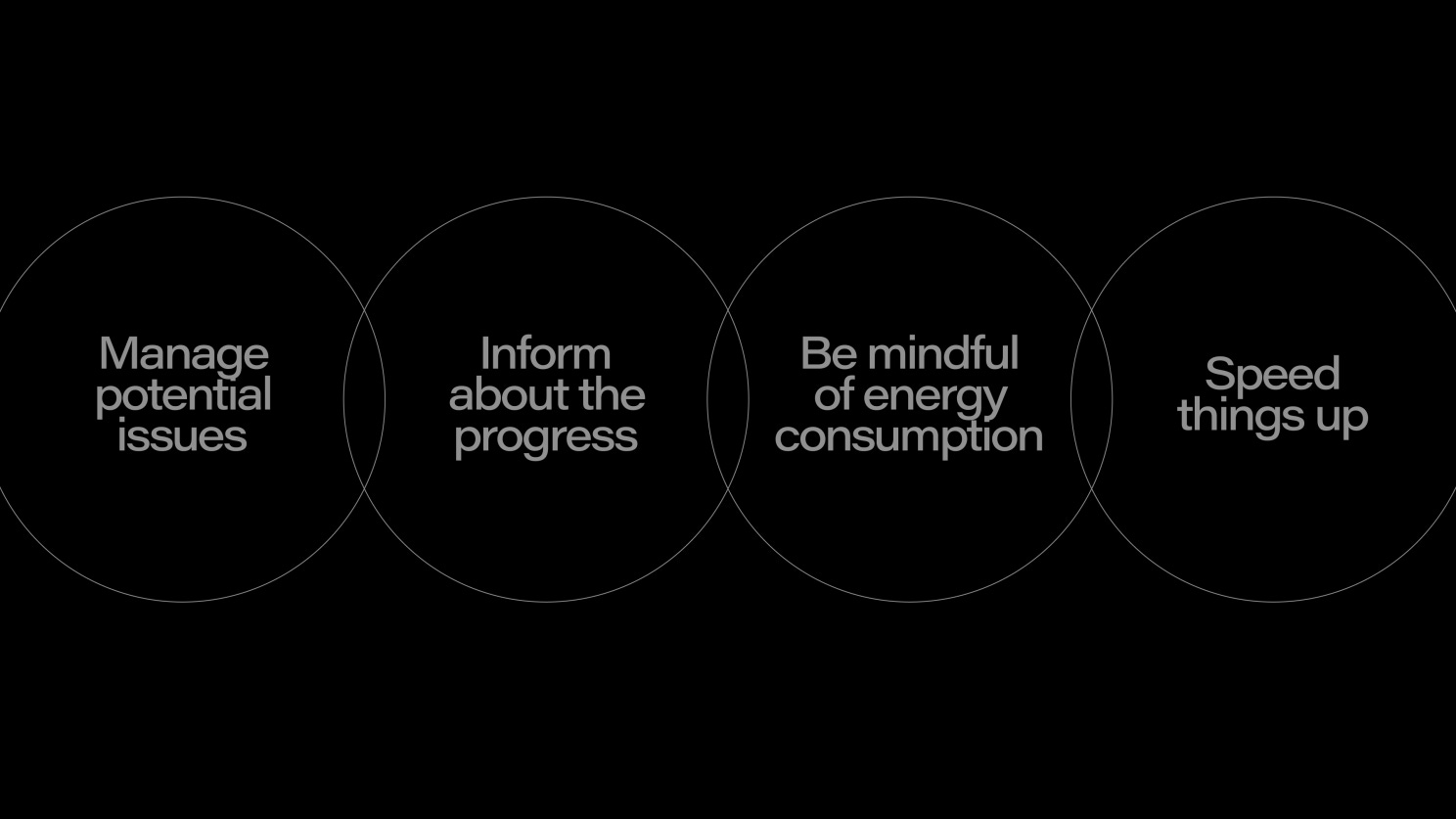
Manage potential issues
Do your research and think in advance about anything users might do with the device and how they use it. Learn how they usually perform updates and where they might be when starting them. Knowing how your users interact with the device is crucial to ensuring the update goes smoothly.
Tesla is a great example of doing OTA updates right. The car’s update is initiated when there are no people in the vehicle, and the system chooses a time you’re least likely to be using it.
Inform about the progress
This is a massive factor for good user experience, and one that can easily go under the radar when you're developing the device.
Informing the users about the progress of the update is an absolute must. Above else, avoid a scenario when your customer presses a button and is suddenly left without any feedback.
Create a simple progress bar – something that lets the user know what’s going on, and don’t rely on inaccurate timers as that will only irritate your clients.
Be mindful of energy consumption
I can’t stress enough how important managing the energy is when performing an OTA update, especially when we’re dealing with small devices. Be mindful of the limitations, and make sure to maintain the amount of energy needed for the device's security without damaging the performance.
Specialized software development companies are experts when it comes to BLE optimization and can help you figure this out – it’s something we do regularly for our clients here at Intent.
Speed things up
Time is a crucial factor when it comes to OTA updates. Some updates can take up to two hours, which is far too long if the user is waiting for the device.
When the user is likely to be using the device, aim for updates that take no more than 5–10 minutes. If an update will take longer, plan it for a time when the user is asleep or otherwise unlikely to need the device.
Summary
OTA updates are meant to make things easier for your users and ensure they don’t miss any important improvements to the device.
When setting up your OTA process, think about managing security, energy use, and user behavior so that your users can enjoy the device to the fullest. If you research your audience, plan the timing, and manage potential issues from the start, you can be confident that your OTA updates will go smoothly.
Need recommendations on how to handle OTA updates for your device? Leave us a message!